
Targeted protection
Built for the unique structure of DICOM files, not a generic scanner pointed at medical images.
Imaging forensics for healthcare
General antivirus tools do not understand the structure of DICOM medical imaging files. SecureDICOM does. It inspects every file for known malware, hidden data and conformity to the DICOM standard, and isolates the ones that fail.
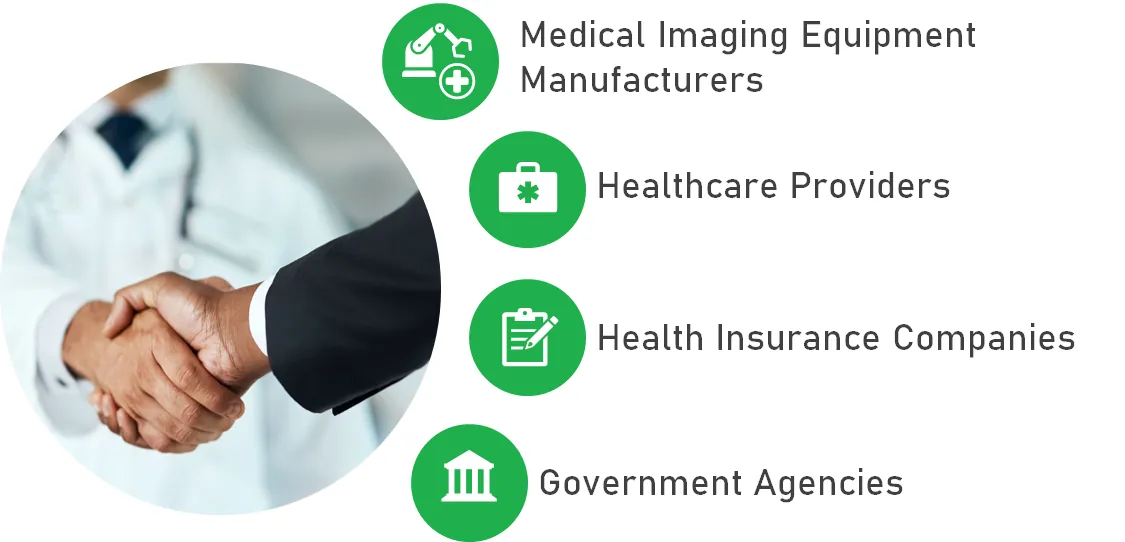
01 Questions to ask
02 Why SecureDICOM
Traditional security tools fall short on the complexity of DICOM files, which leaves a critical gap. Malware can enter a PACS during the DICOM import process and lie dormant until it runs on a diagnostic workstation or on the PACS server. The result can be unauthorized data access, ransomware and HIPAA violations.
Built for the unique structure of DICOM files, not a generic scanner pointed at medical images.
Inspection for known malware, conformity with the DICOM standard, and checks for hidden data embedded with steganography.
Near real-time detection and quarantine of problem files, in line with your security policy, so embedded malware cannot spread.
Works alongside your existing security tools and fills the gap they miss.
Helps keep the integrity and conformity of DICOM files that HIPAA and good practice expect, and aligns with the NIST Cybersecurity Framework.
Catching hidden data and non-conforming files keeps the patient information inside DICOM files protected.
03 Features
04 Use cases
A manufacturer of personalized prosthetics needed DICOM files it could trust in production. SecureDICOM validates each file for standard conformity and for threats from conventional malware and hidden steganographic content. It fits into the existing workflow and scales with file volume, so treatment planning and device production run on clean data.
A cloud platform that shares diagnostic images and reports across healthcare organizations, and gives patients ownership of their data, faced malware, non-conforming files and hidden payloads. SecureDICOM runs conformity checks, malware scanning and hidden-content detection on every upload, classifies each threat by impact and handles it, at any upload volume.
Request WetStone’s paper by email.
Sign up for the SecureDICOM Test Drive and scan your own files.
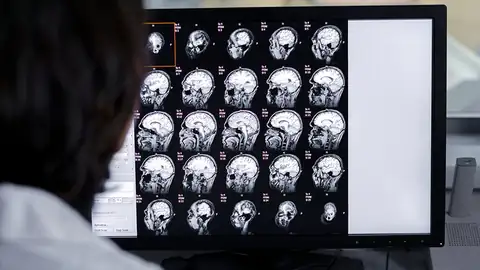
PACS and the DICOM standard store and move every image your radiology team reads.
Library
Articles from WetStone’s library, written by our CTO.

Request a demo
Demos are arranged by a person, not a bot. Tell us what you need to find and a WetStone representative will set up a walkthrough.